Recordatorios privados de medicación: cómo el modo dual en la pantalla de bloqueo oculta los nombres de los medicamentos
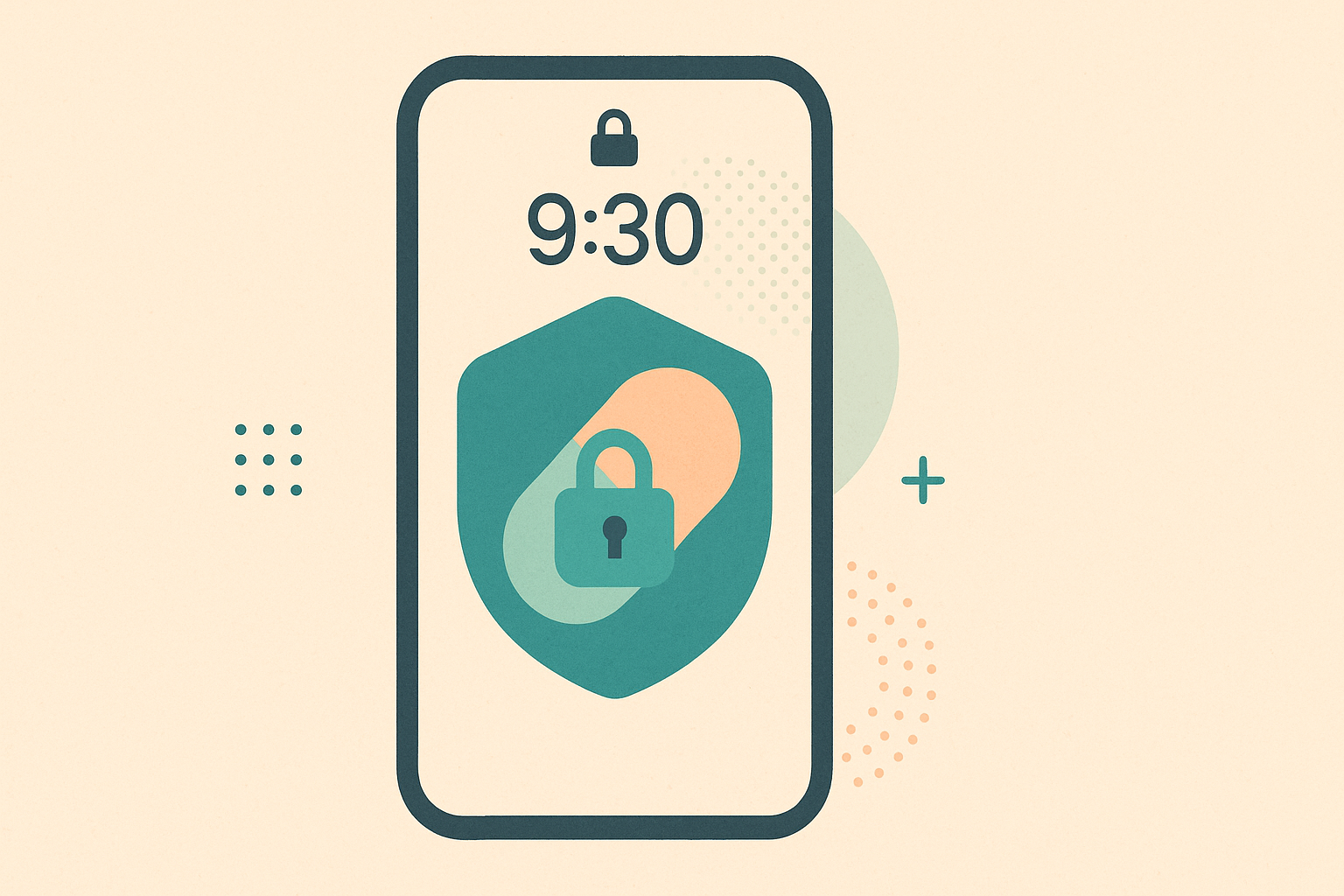
La pantalla de bloqueo no debería anunciar sus recetas a todo el mundo. El modo de privacidad de MedRemind sustituye el nombre del medicamento por un aviso neutro en la pantalla de bloqueo, y muestra todos los detalles cuando usted desbloquea el teléfono.
El problema
El recordatorio de medicación que viene por defecto en cualquier teléfono se ve así en la pantalla de bloqueo: "MedRemind • 9:00 AM • Lisinopril 10 mg". Si su teléfono está sobre la mesa, en una reunión o a la vista de cualquiera, esa notificación le dice a la gente algo sobre su tensión arterial. Algunos medicamentos, como los antirretrovirales para el VIH, los antipsicóticos, las inyecciones para fertilidad, las reducciones graduales de opioides, las hormonas de afirmación de género y la PrEP, pueden llevar estigma o incluso riesgo legal. En esos casos, que se vean en la pantalla de bloqueo no es una preferencia, es un problema real.
Cuando mi teléfono está a la vista de otras personas, quiero que el recordatorio de mi medicación siga sonando a su hora, sin que el nombre del medicamento se anuncie a cualquiera que mire la pantalla.
Cómo funciona el modo dual en la pantalla de bloqueo
MedRemind usa dos canales de notificación separados.
- Canal público. Lo que aparece en la pantalla de bloqueo. En el modo de privacidad, esto muestra "Hora de su medicación", sin nombre, concentración ni dosis.
- Canal privado. Lo que aparece cuando el dispositivo está desbloqueado. Muestra todos los detalles: nombre, concentración, cantidad e instrucciones específicas de la dosis.
Cuando salta un recordatorio, se publica en ambos canales al mismo tiempo. En Android y iOS, el sistema operativo decide cuál mostrar según si el teléfono está bloqueado o no. Usted nunca ve una notificación "retrasada"; ve la versión neutra hasta que coge el teléfono.
Qué hace y qué no hace el modo de privacidad
Sí hace esto: oculta el nombre del medicamento, la concentración y la dosis en la pantalla de bloqueo. También mantiene genérico el icono de la notificación.
No hace esto: impedir que salte el recordatorio. No hace esto: ocultar el icono de la app en la pantalla de inicio. No hace esto: borrar su historial de medicación si pierde el dispositivo; para eso sirven el código de desbloqueo y el borrado remoto.
Cómo activarlo
- Abra MedRemind.
- Vaya a Ajustes.
- Active Modo de privacidad.
- Si quiere, personalice el texto neutro (por defecto: "Hora de su medicación").
El cambio se aplica de inmediato a todos los recordatorios posteriores. Los recordatorios ya programados antes del cambio mostrarán el nuevo texto la próxima vez que salten.
Para quién es
- Personas que toman medicamentos con estigma (VIH, salud mental, recuperación de adicciones).
- Supervivientes de violencia doméstica, cuando el nombre de un medicamento podría empeorar un conflicto.
- Personas que trabajan con el teléfono a la vista de jefes o clientes.
- Adolescentes que gestionan una enfermedad y no quieren que sus compañeros vean el recordatorio.
- Cualquiera que prefiera que sus recetas no aparezcan en una pantalla que se consulta de un vistazo.
El modo cuidador es independiente
Si usted tiene un cuidador en MedRemind y esa persona consulta su calendario completo de medicación desde la vista de cuidador en su propio dispositivo, verá los nombres completos. El modo de privacidad solo afecta a su pantalla de bloqueo, no al uso compartido de sus datos. Los permisos del cuidador se configuran por separado.
Preguntas frecuentes
¿Los recordatorios siguen saltando si no estoy mirando el teléfono?
Sí. El sonido y la vibración son iguales tanto si el modo de privacidad está activado como si no. Solo cambia el texto visible en la pantalla de bloqueo.
¿Puedo personalizar el texto neutro?
Sí. El texto por defecto es "Hora de su medicación". Puede cambiarlo por lo que quiera, por ejemplo "Recordatorio" o una palabra que no signifique nada para quien lo vea.
¿El modo de privacidad funciona en Apple Watch o Android Wear?
En Apple Watch hereda el texto del canal público, así que allí también aparece el recordatorio neutro. En Android Wear, el comportamiento depende del reflejo de notificaciones del fabricante.
¿Se registra algo en el servidor sobre qué medicamento ha saltado?
El servidor conoce el horario que usted ha configurado; no sabe cuándo se mostró la notificación en su pantalla de bloqueo. La visualización es un evento local del sistema operativo.
Este artículo es solo informativo y no sustituye el consejo médico profesional, el diagnóstico ni el tratamiento. Consulte siempre a su médico o farmacéutico si tiene dudas sobre una enfermedad o un medicamento.
Mantenga sus medicamentos al día con MedRemind
MedRemind le ayuda a llevar el control de recetas, vitaminas y suplementos con recordatorios inteligentes que se adaptan a su rutina. Descargue la app hoy y no vuelva a olvidar una dosis.